

Dark Sky
This data source connector looked up the weather anywhere on the globe, returning hour-by-hour or day-by-day observations going back decades. Data were provided by the Dark Sky API.
To configure the connector, you provided tables with locations, your Dark Sky API key, the units to use, and a desired forecast granularity.
API Secret Key
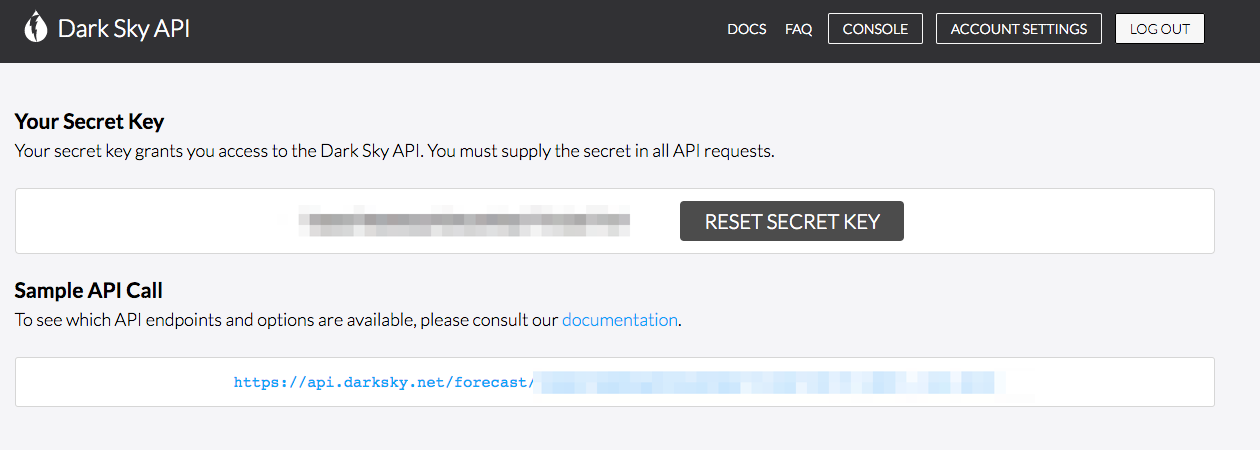
Section titled “API Secret Key”The connector authenticated with a Dark Sky API Secret key. New keys are no longer issued — the sign-up and documentation pages now redirect to Apple’s WeatherKit announcement.
Configuration
Section titled “Configuration”Create a new configuration of the Dark Sky connector.
The connector fetches weather conditions for locations provided by you in one or more tables. Each table must contain the following columns in this particular order:
latitude— The latitude of a location (in decimal degrees); positive is north, negative is south.longitude— The longitude of a location (in decimal degrees); positive is east, negative is west.date(optional) — The date in formatYYYY-MM-DD. By default, the current date is used.
Column names are not important. The only condition that has to be matched is the column order. If you have a table with more columns, or the order of your columns is different, use the advanced input mapping and select the required columns in the desired order.
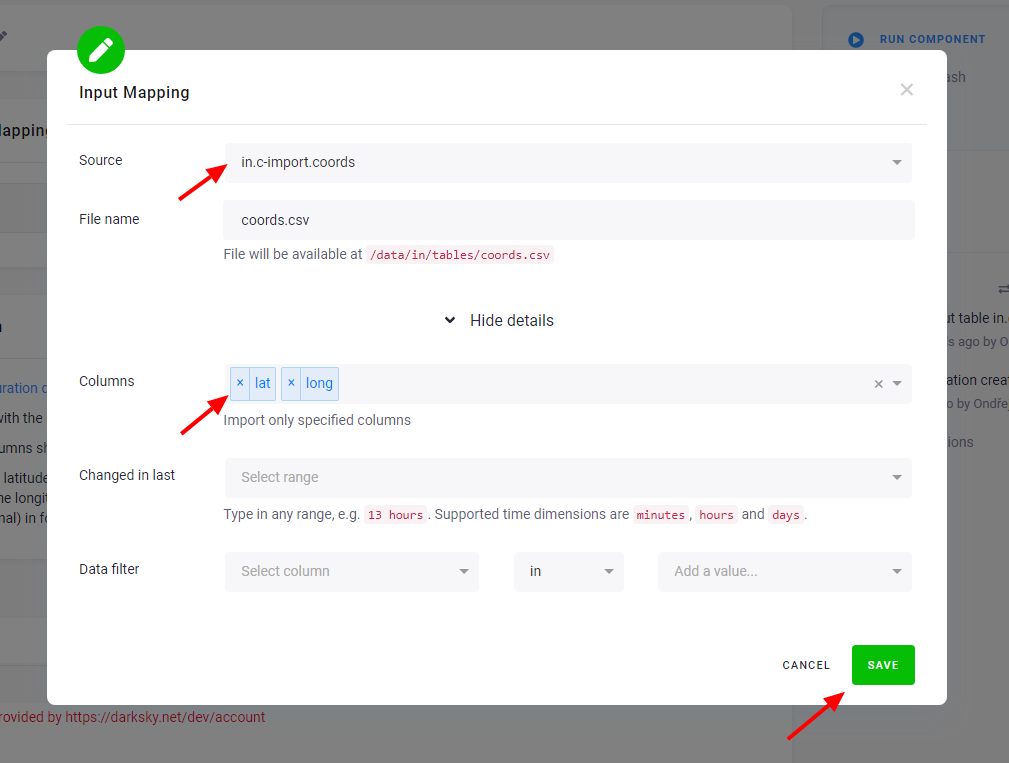
Sample input table
Section titled “Sample input table”| latitude | longitude |
|---|---|
| 50.0939141 | 14.45694 |
| 49.2577142 | -123.194115 |
You can test the extraction on this sample file.
Extraction Output
Section titled “Extraction Output”The connector produces one table called weather with the following columns:
primary— hash of the latitude, longitude, date and key used for incremental saving of datalatitude— latitude of the locationlongitude— longitude of the locationdate— date and time of the weather conditionkey— name of the weather condition (e.g.,temperature,windSpeed)value— value of the weather condition
Data are always imported incrementally. The Dark Sky API documentation that described these weather conditions is no longer published.
Was this page helpful?
Thank you for helping improve Keboola's documentation!